Connection settings
The ‘Connection settings’ window allows you to create a template of settings for a specific connection. These settings will be automatically applied to newly opened instruments.
To create a template, open the general settings window, go to the connection tab and click the button highlighted in the screenshot.
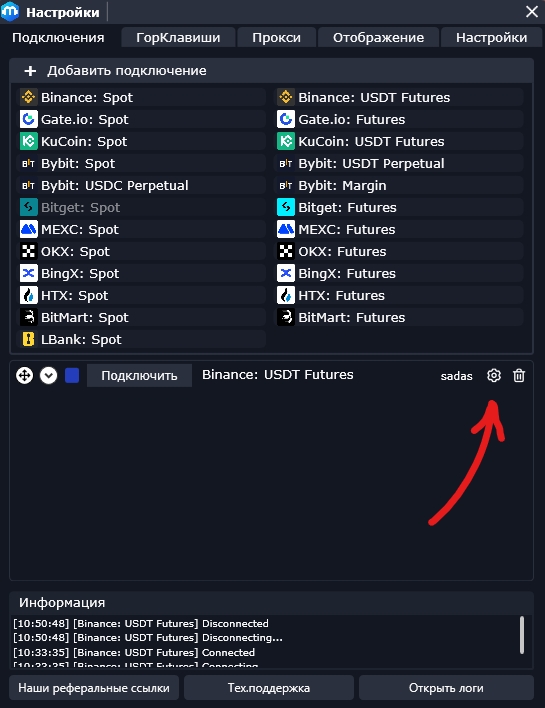
To apply a preset to a previously configured instrument, use the T hotkey or apply the settings in the orderbook menu.

To apply a specific setting to all tools for this connection, use the button  to the desired value.
Last updated